Signing — simple (SES)
A simple signature is made directly in the browser — no verification code is required.
How to sign
-
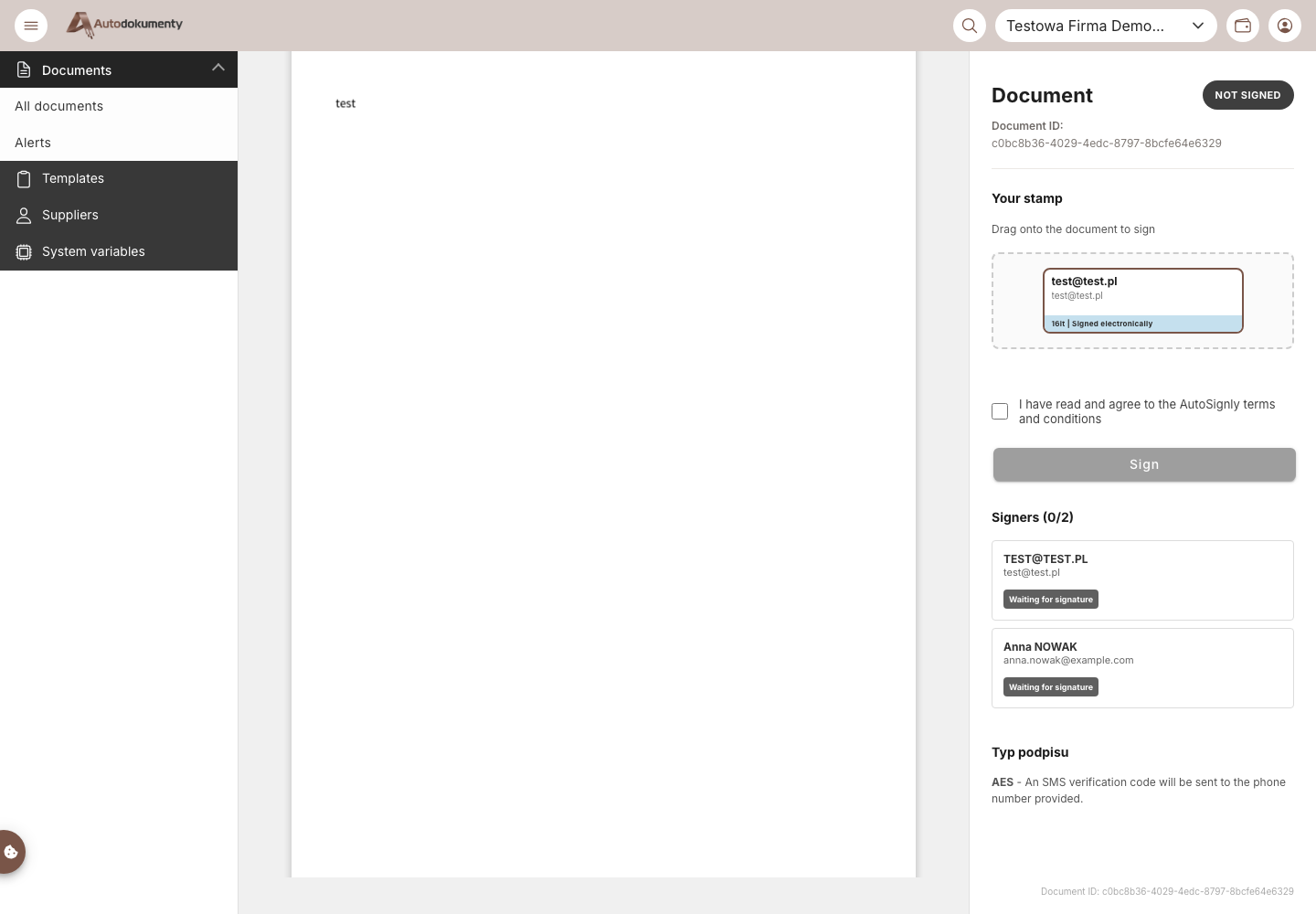
Open the signing link from the e‑mail (or Generate and sign document if you are a signer yourself). The signing view opens: the document on the left, the Your stamp panel on the right.
-
Drag your stamp onto the document to place it where the signature should appear.
-
Tick I have read the AutoSignly terms.
-
Click Sign — the signature is recorded immediately (no SMS code).
The signer's stamp is added to the document and their status changes to Signed. The process then continues as described in Signing documents (status, verification, download).
For the legal value of an SES and how to require it when generating, see Generating with a simple signature.
Screenshots are generated automatically from the test environment and are available in Polish and English.