Templates
A template is a reusable blueprint for documents. You write the content once, mark the
parts that change as variables ({variable}), and then generate documents
from the template — the variables are filled in each time.
There are two ways to create a template:
- From a file — upload a
.docxfile as the template source. - In the editor — write the content in a rich‑text editor and add variables.
The templates list
Open Templates in the side navigation. Each template is listed by name, with actions to Generate document or delete it.
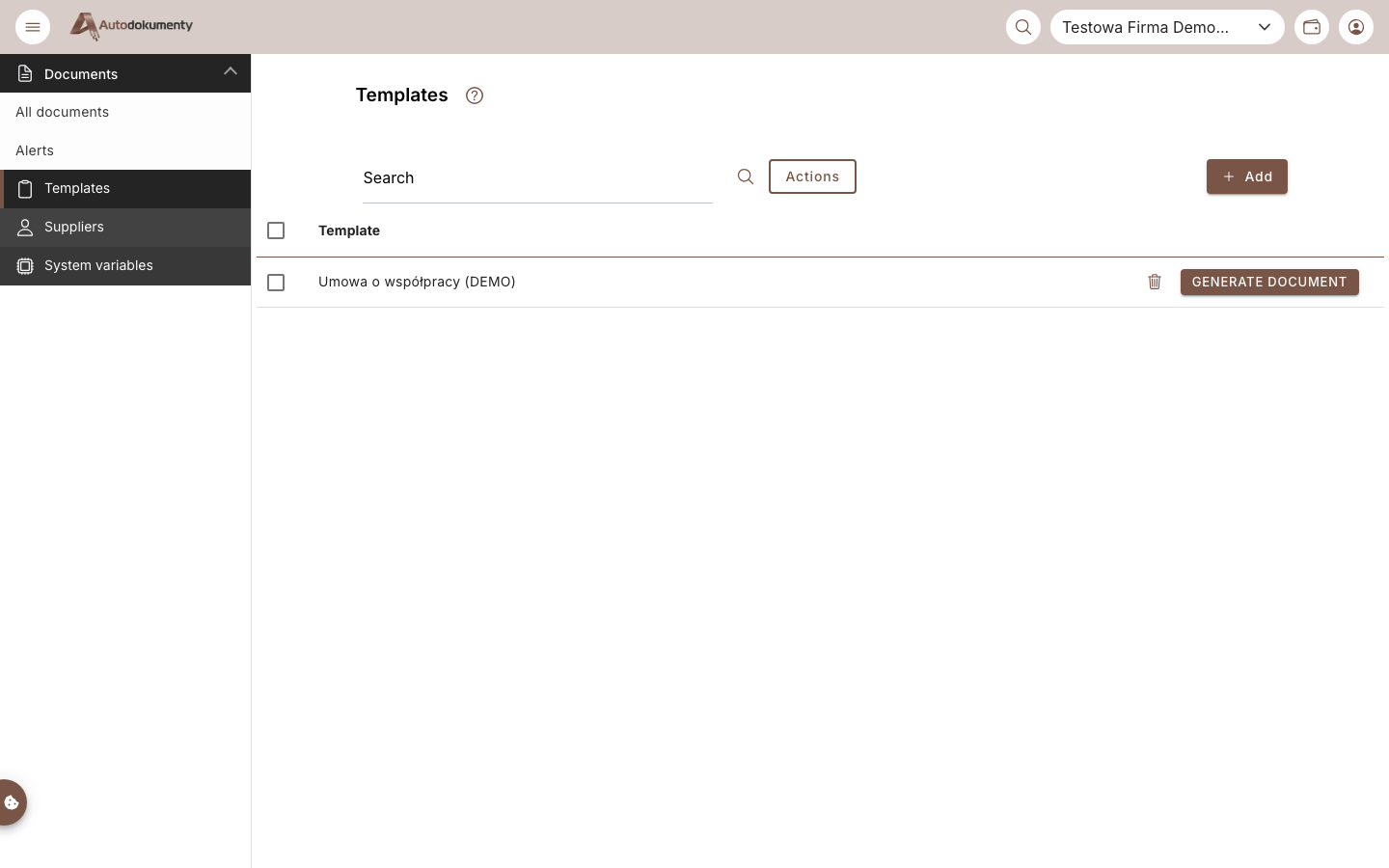
Use + Add to create a new template — then choose Create in editor or Add DOCX file.
note
Screenshots are generated automatically from the test environment and are available in Polish and English.