Search
The search in the top bar helps you find features and sections of the app — not the contents of your documents. Type the name of what you need and jump straight to it.
How to search
Click the magnifier in the top bar and type a feature name, for example:
- documents, alerts
- templates
- suppliers
- system variables
- signing
As you type, matches appear instantly, grouped by app and shown with their tags:

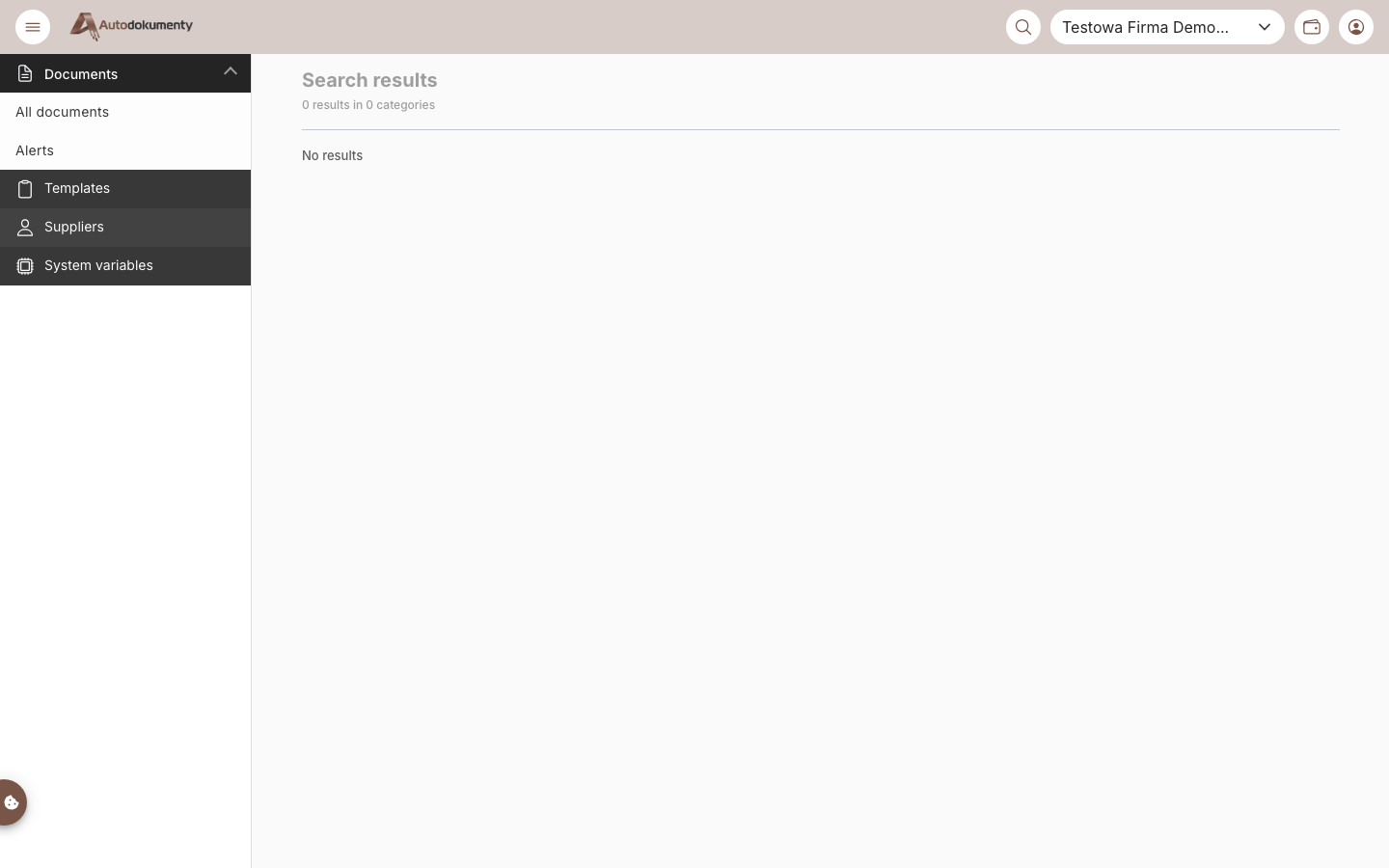
The matching sections appear on the Search results page, grouped by category. Select a result to go there.
What it matches
- Section names, descriptions, tags and predefined search phrases.
- Synonyms and meaning — the search uses hybrid ranking (keyword + semantic), so a related word can still find the right feature even if you don't type its exact name.
- Features across the 16it apps (e.g. invoices in Autofaktury), where available.
When nothing matches, the page shows No results.
note
Screenshots are generated automatically from the test environment and are available in Polish and English.