Signature mode
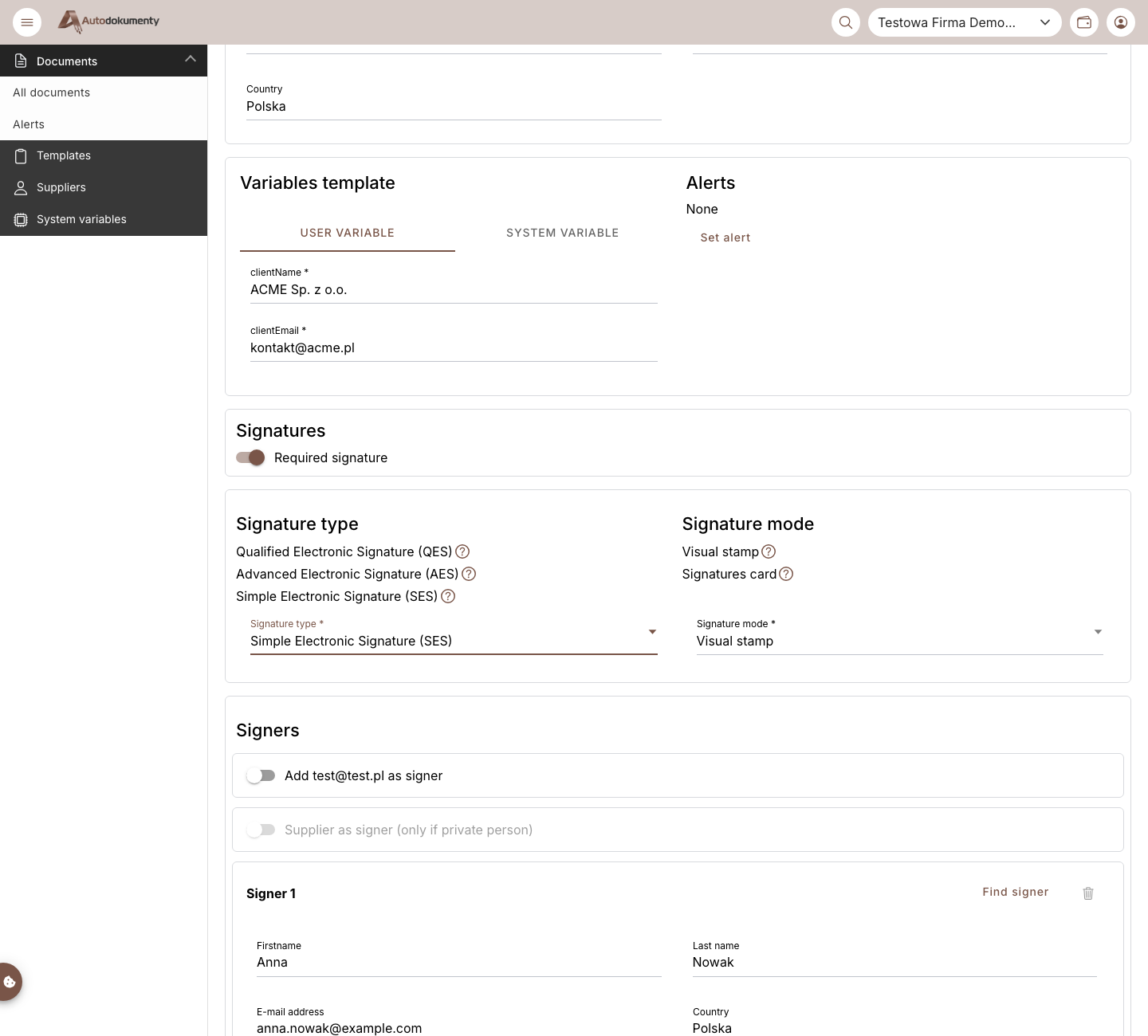
When a signature is required, you also choose the signature mode — how the signature is presented on the document. This is purely visual.
info
The chosen signature mode does not affect legal validity — it only changes how the signature is presented visually.
| Mode | How it works |
|---|---|
| Visual stamp | You manually place the signer's visual stamp anywhere on the signed document. |
| Signatures card | A signatures card is attached as the last page of the document, and every signature is placed on it automatically (you cannot control the position of the visual stamp). |
You pick the mode from the Signature mode dropdown in the Signatures section, next to the signature type:
See also
- With a qualified signature (QES), with identity verification, simple (SES) — choosing the signature type.
note
Screenshots are generated automatically from the test environment and are available in Polish and English.