Users
People with access to the company.
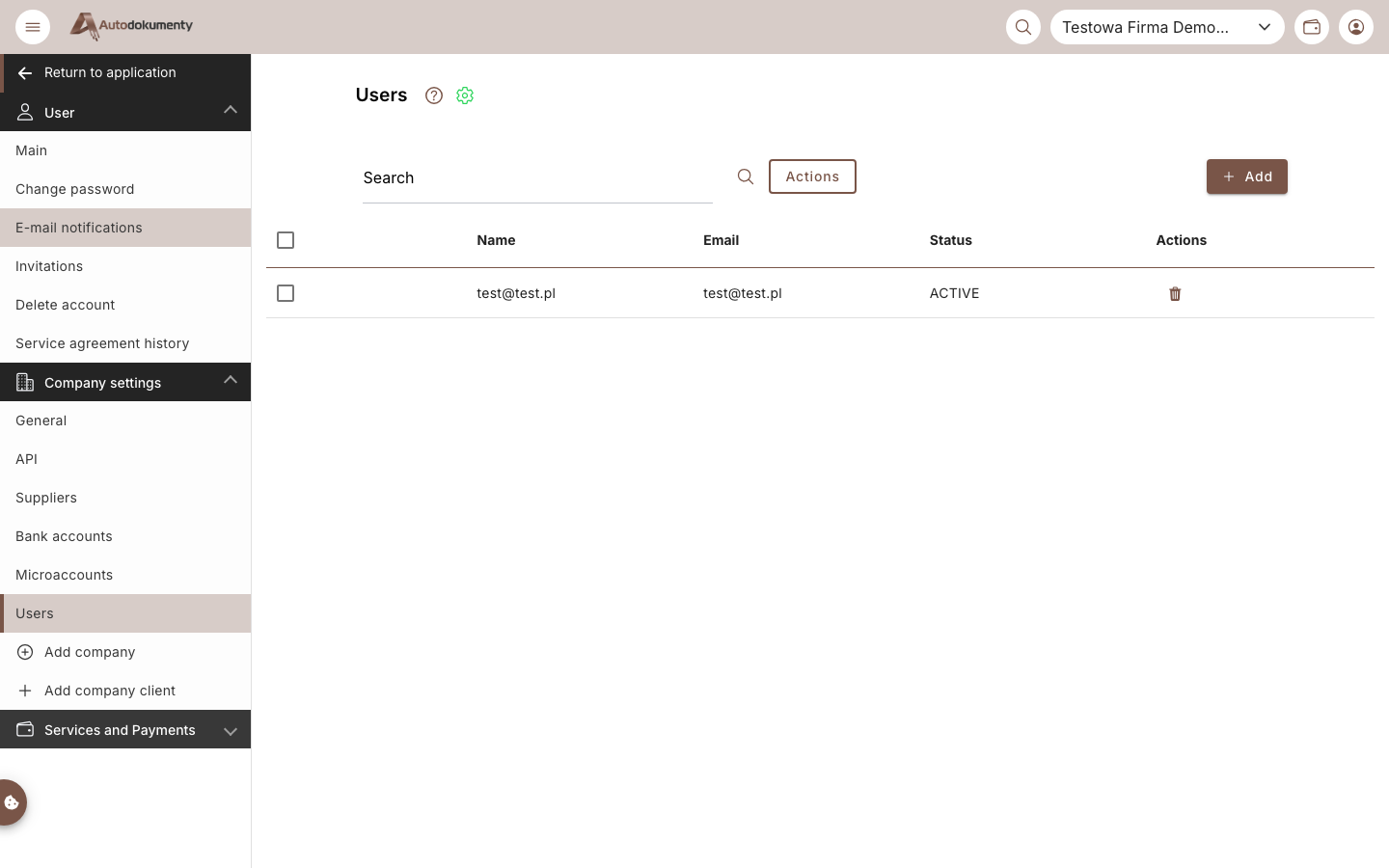
- Search — filter the list.
- Add — invite a person to the company.
- Actions — bulk actions on selected users; the row trash icon removes access.
- The table lists Name, Email and Status (e.g. ACTIVE).
note
Screenshots are generated automatically from the test environment and are available in Polish and English.