Add company
Create a new company on your account. You can manage several companies and switch between them with the top‑bar picker.
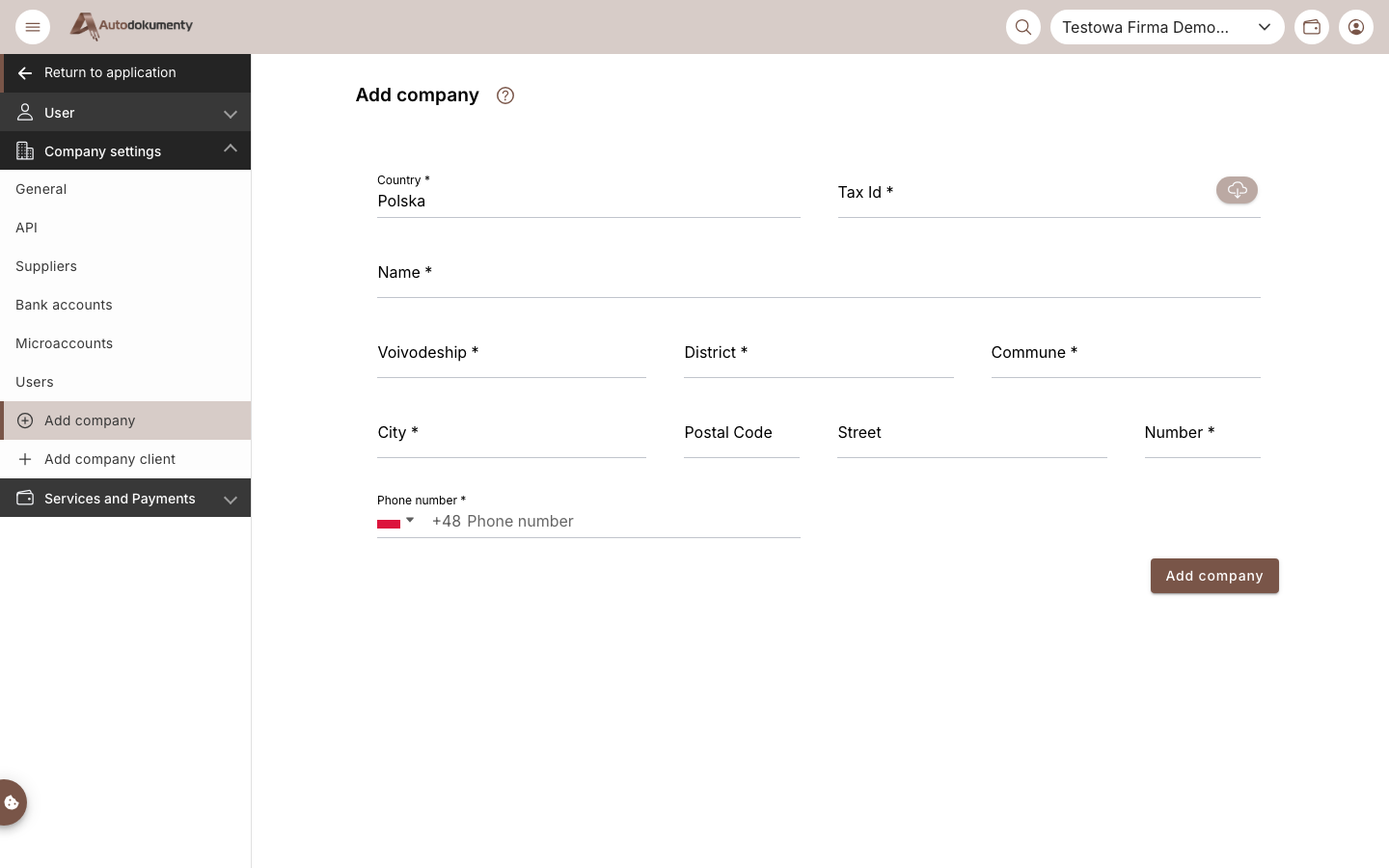
Fill the required fields (*): Country, Tax Id (use the cloud icon to pull data by
Tax ID), Name, address (City, Postal Code, Street, Number) and Phone number, then
click Add company.
note
Screenshots are generated automatically from the test environment and are available in Polish and English.